 FESTIVAL
For clubs, promoters and festivals
Sell tickets. Let people in. Watch the numbers live.
Festival-S sells tickets on your behalf, issues QR tickets, gives you an entry scanner and a dashboard — while Media and the bot bring the audience.
Ticket sales
Ticket types, quantities and prices in the event currency. An event page with programme, venue and rules — and a buy button that stands out.
QR entry
The scanner runs in a phone browser — no app, no special hardware. Each ticket gets in once, even across several gates.
Dashboard
Live sales, revenue, fees, payout amount, orders and how many people are in. The AI Director suggests next steps from your numbers.
Money straight to you
Connect your Stripe account. On every purchase Stripe splits the payment immediately: the fee to the platform, the rest to your Stripe account.
Media & previews
Previews, interviews and guides in Media link straight to your tickets. The Festival-S bot recommends events to visitors.
The whole region
Clubs, parties and festivals from Slovenia to North Macedonia and beyond. Pages are ready for multiple languages and currencies.
Fees
The platform fee is 9% of the ticket price. The organiser pays it from ticket revenue; the buyer pays only the ticket price shown.
Stripe card fees are included in the 9 % — they are not charged on top, to you or the buyer.
No monthly subscription and no set-up cost. If you sell nothing, you pay nothing.
Example: one ticket
| Buyer pays | €20.00 |
| Festival-S fee (9%, includes card fee) | − €1.80 |
| To your Stripe account | €18.20 |
Payouts
The money does not pass through Festival-S. On every purchase Stripe splits the payment at checkout and books your share to your connected Stripe account.
Stripe pays out from your Stripe account to your bank account on the payout schedule you see and set in your Stripe account.
Refunds for cancelled events come from your share, under your terms and consumer law.
How to start
- Get in touch — we open your organiser account.
- Connect Stripe from Organiser OS (a few minutes, on Stripe’s page).
- Send event details and ticket types — we publish the page.
- On the day, your door staff open the scanner on their phones.
Advertising
Banners on the homepage, between sections, next to events, clubs and festivals and next to Media articles — separate for mobile and desktop. Every ad is clearly labelled; partner and sponsored articles carry a “Partner content” or “Sponsored” label.
Ads never sit inside article text or the checkout. Each campaign gets daily impressions and clicks.
Ad placements
| Placement | Format |
|---|---|
| Homepage — top banner | 1200×300 · 1080×540 |
| Homepage — between sections | 1200×300 · 1080×540 |
| Event, club, festival | 1200×300 · 1080×540 |
| Next to articles and in Media | 600×750 · 1080×540 |
Advertising rates on request.
Let’s talk about your event
Send the name, date, venue and rough ticket count. We will reply with a set-up proposal.
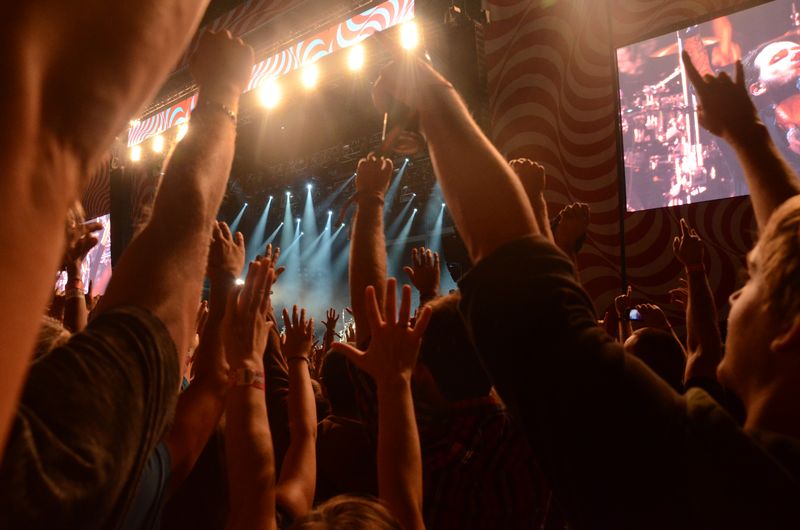
Photo: Steven Lek, CC BY-SA 4.0 · source